I own a easy-to-remember domain router.hk for years. I develop a IP address lookup which helps Linux & network administrators and end users. Last week, I develops a newer version of API which can return IP address by a simply curl command.
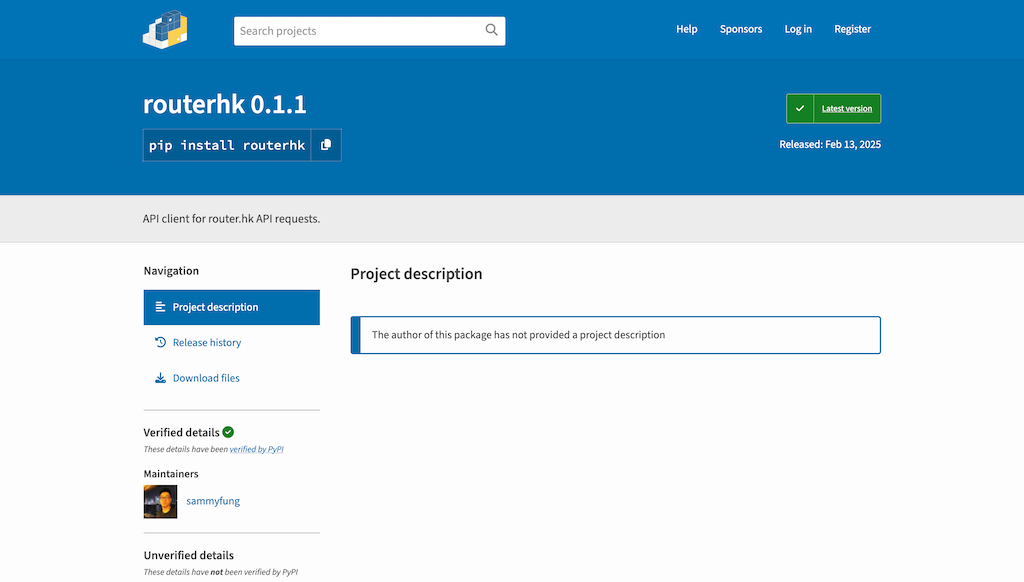
This week, I try to develop a Python package for it and upload to PyPI (Python Package Index). Developing a python package requires better file structure and additional files.
PyPI: https://pypi.org/project/routerhk/
GitHub: https://github.com/routerhk/routerhk
File Structure
routerhk/
├── routerhk/
│ ├── init.py
│ └── routerhk.py
├── tests/
│ └── test_routerhk.py
├── setup.py
├── README.md
├── requirements.txt
└── LICENSE
- My package has the above structure.
- Develop a class RouterHk in routerhk.py, call it from routerhk/init.py, test the class and functions manually.
- Write a test_routerhk.py, I use unittest.
- python -m unittest tests/test_routerhk.py
- I may change it back to pytest later.
- Refer to other python packages to create setup.py which lets PyPI
- pip install setuptools wheel
- python setup.py sdist bdist_wheel
- pip install .
- Test the installed local python package from other directory.
- Upload to PyPI
- pip install twine
- twine upload dist/*
- Input API Token and upload the package to PyPI.
My PyPI account was created on 2016. I creates a API token on pypi.org and use it to upload the package.
Example code using routerhk:
from routerhk import RouterHK
r = RouterHK()
r.get_ip()
References:
- unittext basic example: https://docs.python.org/3/library/unittest.html#basic-example
- Python Packaging User Guide: https://packaging.python.org/en/latest/
- The Packaging Flow: https://packaging.python.org/en/latest/flow/
